
The quick answer
Record income when money genuinely comes in, record expenses when money is spent, and use a transfer when your own money moves between accounts. Review the three together by month, but keep their meaning separate so your totals remain understandable.
Do not treat every balance change the same
Income
Salary, freelance work, a payment from a customer, or another source that increases the money you own.
Expense
Groceries, rent, transport, subscriptions, and other purchases that reduce an asset or increase debt.
Transfer
Moving money between your own accounts changes the location of the balance, not your income or spending.
A refund, reimbursement, loan, or shared payment may need a closer look. The name in a bank message does not always explain its purpose, so let the real-world event decide how you record it.
A monthly routine that stays simple
- 1
Add each income source clearly
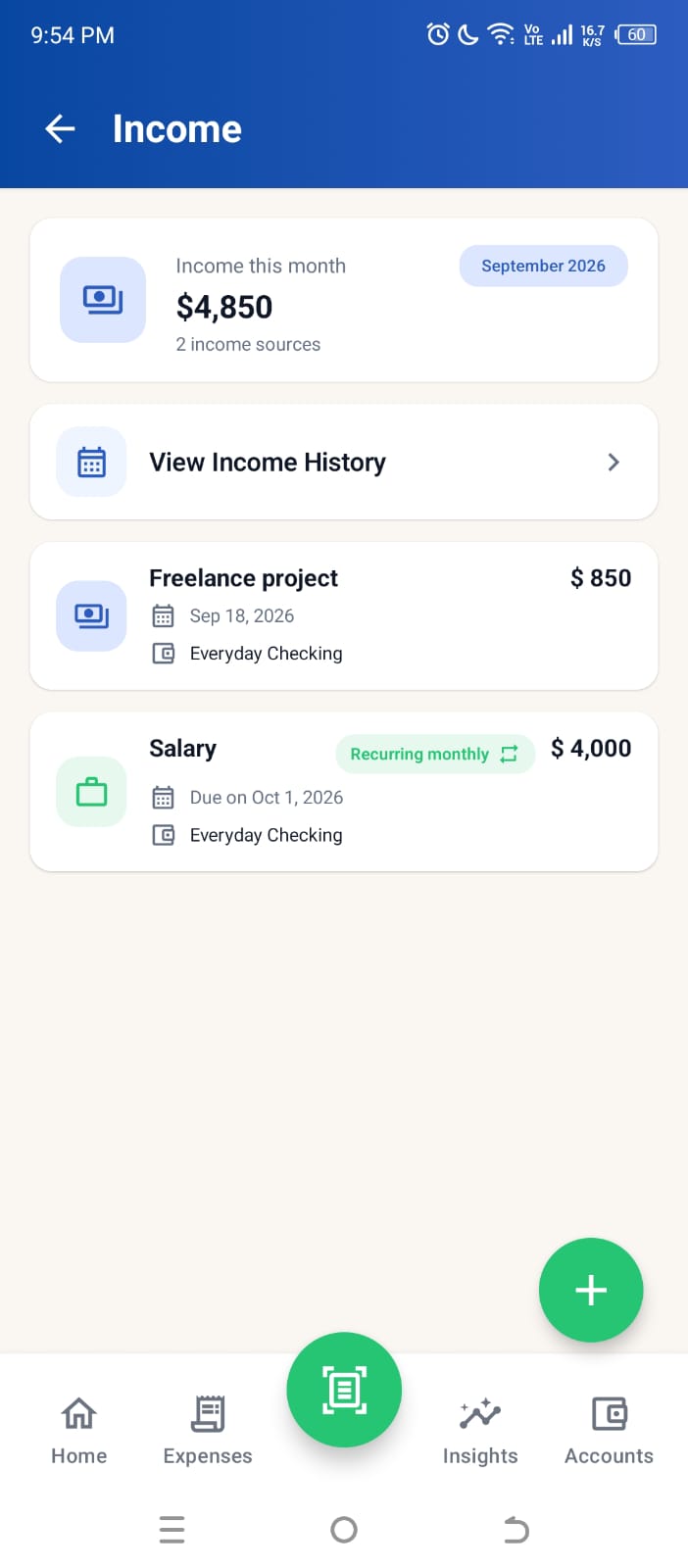
Use names you will recognize later, such as Salary, Freelance project, or Rental income. Mark genuinely repeating income as recurring instead of duplicating it by hand.
- 2
Record expenses close to the purchase
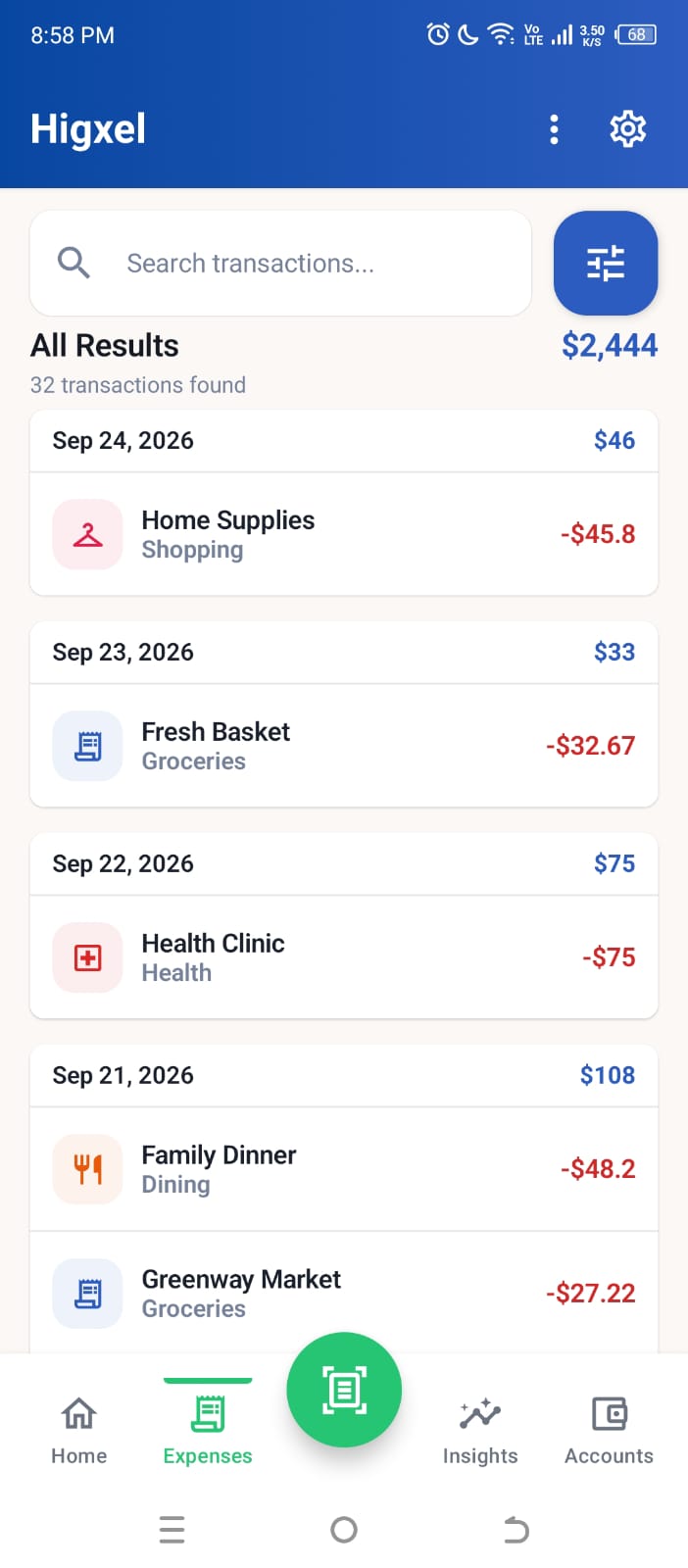
Add them manually or start with a receipt photo, then confirm the date, amount, category, and payment account.
- 3
Use transfers only for accounts you own
If another person sends you money, decide whether it is income, repayment, or something else. A transfer is for movement inside your own set of accounts.
- 4
Review the month as one story
Compare income with expenses, then inspect account activity when the change in your balances needs an explanation.
See income and expenses in the current Higxel app
These screens use sample data rather than customer records. Higxel gives income its own monthly view and keeps saved expenses in searchable History. Home brings monthly income, spending, net income, and budget progress together; account balances remain in Accounts.
Questions your monthly view should answer
- How much income actually arrived this month?
- How much did I spend, and which categories shaped that total?
- Which account received the income or paid the expense?
- Did money move between my own accounts without changing my net worth?
- Was a balance corrected because an older transaction was missing?
If your records answer those questions, you have enough detail. You do not need a complicated accounting system for ordinary personal tracking.
Common mistakes when tracking both
- Calling every incoming payment income. Some money is a transfer, refund, or repayment.
- Counting the same transfer twice. A withdrawal and deposit between your accounts describe one movement.
- Ignoring the account. The category explains why; the account explains where the balance changed.
- Judging the month from one large number. Use individual records to understand what produced the total.
- Adding old activity as if it happened today. Use the real date and review how older entries should affect current balances.
Install Higxel for Android to keep income, expenses, accounts, and transfers connected.