
Quick answer
It can help, but weigh it like any app that reads your bank data
The feature reads balances and transactions through Plaid; according to reporting at launch, it can't move money or see full account numbers. Before linking, check whether your chats can be used to train models, what "financial memories" are kept, and how to disconnect. If you only want budgeting help, you can get most of it by sharing totals with names and account numbers removed.
What the ChatGPT finance feature does
OpenAI launched personal-finance tools in ChatGPT on May 15, 2026, as a preview for ChatGPT Pro subscribers in the US, on the web and iOS. Accounts connect through Plaid, which works with more than 12,000 institutions. Once linked, a dashboard shows spending, subscriptions, upcoming payments and portfolio performance, and you can ask questions about any of it.
According to reporting at launch, ChatGPT can see balances, transactions, investments and debts, but not full account numbers, and it can't make changes to your accounts. You can disconnect at any time; OpenAI says the synced financial data is then deleted from its servers within 30 days. "Financial memories"—what it learns about your goals—can be viewed and deleted on the Finances page, and aren't available in temporary chats. OpenAI has said it plans to offer the feature to Plus subscribers after feedback from Pro users.
Why so many people want this
People already ask AI about money. An Experian survey of 2,011 US adults found 67% of Gen Z and 62% of millennials use AI for their personal finances, most often for saving and budgeting. In the UK, comparison site Finder found 40% of adults had used a generative-AI tool for money advice. Linking real accounts removes the copying and pasting.
The trade-offs to think about
- Chats stay unless you delete them. Disconnecting removes the synced account data, but finance conversations stay in your chat history until you delete them, and they can be used to improve models unless you turn that off in data controls.
- Training and memory settings. The Identity Theft Resource Center advises checking that your AI app's settings stop your data being used to train models. Its CEO, Eva Velasquez, said the data-sharing implications are "still unknown".
- Accuracy. In a September 2026 test of 17 AI models on 121 money questions, the average model was right only 43% of the time—and just 12% on hard, multi-part questions.
- No duty to you. A regulated adviser must act in your interest. A chatbot doesn't have that duty, even when its answers feel like advice.
- Unsettled rules. In the US, the open-banking rule that governs how apps get your bank data (CFPB Section 1033) was finalized in 2024 but is blocked by a court while the CFPB rewrites it.
A checklist before you link any account
- Start with one account—a single card—not everything at once.
- Confirm the connection is read-only and can't move money.
- Turn off model training in your data controls if you don't want your chats used.
- Review and delete stored memories you don't want kept.
- Turn on two-step verification for the AI account itself; it now guards your financial picture.
- Note how to disconnect and how long deletion takes, and set a reminder to review access each month.
Getting AI help without linking anything
Most budgeting help needs totals, not your whole statement. Remove names, account numbers and merchants you'd rather not share, and give the AI a summary instead:
Those costs add up to 95,000, leaving 5,000. Check that the AI gets the same figure before you trust anything else it suggests.
Where Higxel fits
Higxel doesn't connect to your bank. You add what you spend by typing it, saying it, or scanning a receipt, and you review each one before it's saved. When you scan a receipt, the image or its text is sent through Higxel's backend to OpenAI to read the details. The Privacy Policy explains exactly what is sent and why.
- Add your cash, bank and card accounts with balances you enter yourself.
- Add expenses by hand, by voice, or by scanning a receipt, and check each one before saving.
- Export to Excel when you want to look at totals elsewhere, and remove anything you would rather not share.
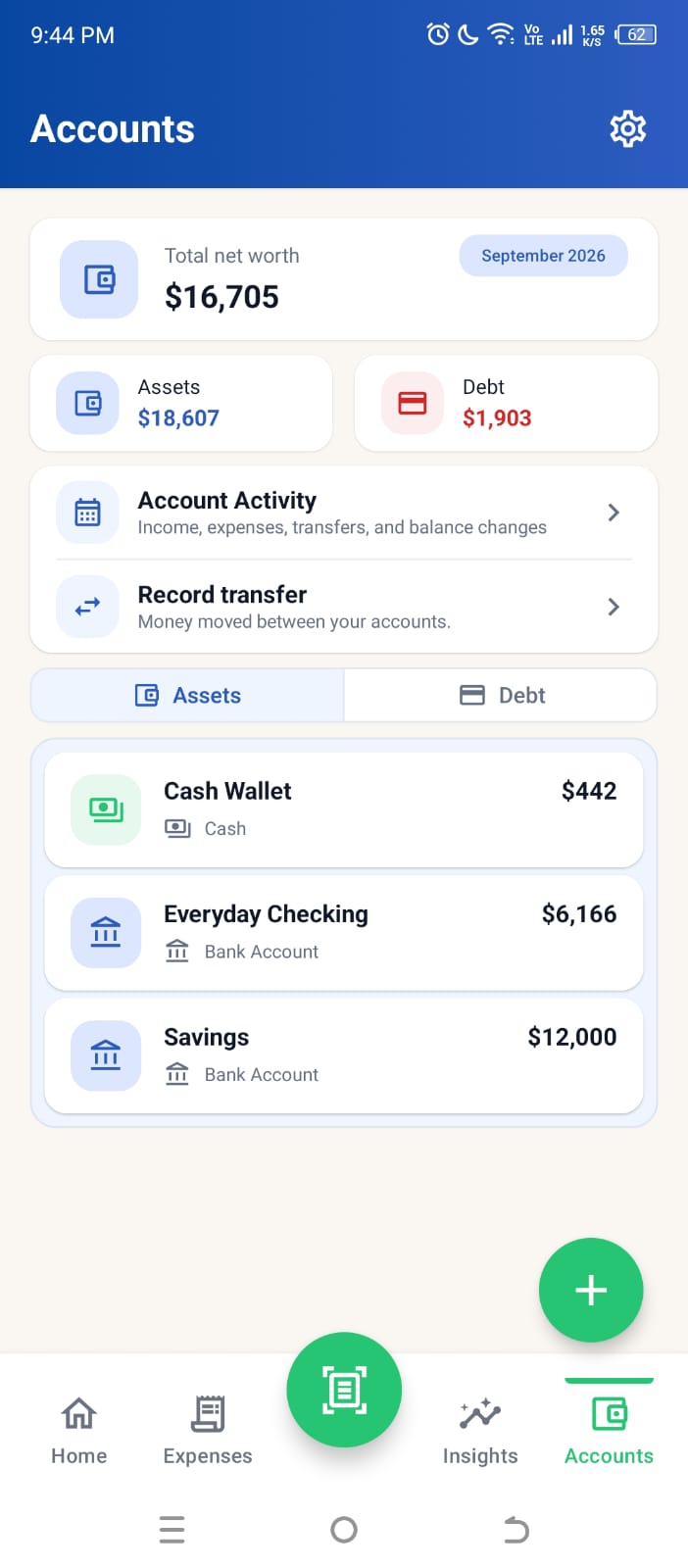
Screen shows sample data.
FAQ
Common questions
Can ChatGPT move money from my account?
According to reporting at launch, no. It can see balances and transactions but cannot make changes to accounts.
Is the feature available outside the US?
At launch it was a preview for ChatGPT Pro subscribers in the US only.
Does disconnecting delete my data?
OpenAI says synced financial data is deleted within 30 days of disconnecting. Financial memories can be deleted from the Finances page, and chats stay in your history until you delete them.
Written with AI assistance by Higxel Editorial. Example figures are made up to show the method; this is general information, not financial advice. Sources checked October 29, 2026. Some sources describe one country; local rules and costs differ.
Sources
Further reading
- TechCrunch: OpenAI launches ChatGPT for personal finance (May 15, 2026)
- MacRumors: ChatGPT can now connect to your financial accounts (May 15, 2026)
- PCWorld: ChatGPT can access your bank accounts now. Here's why I'm not ready
- Identity Theft Resource Center: the risk of syncing AI to accounts
- InvestmentNews: AI chatbots give wrong financial answers most of the time (September 2026)
- Open Banking Tracker: CFPB Section 1033 status
- CU Insight: Gen Z and millennials using AI for personal finance (Experian survey)
- FF News: 2 in 5 Brits have used AI for personal finance advice (Finder)