
The real problem
Spreadsheets calculate. They do not capture.
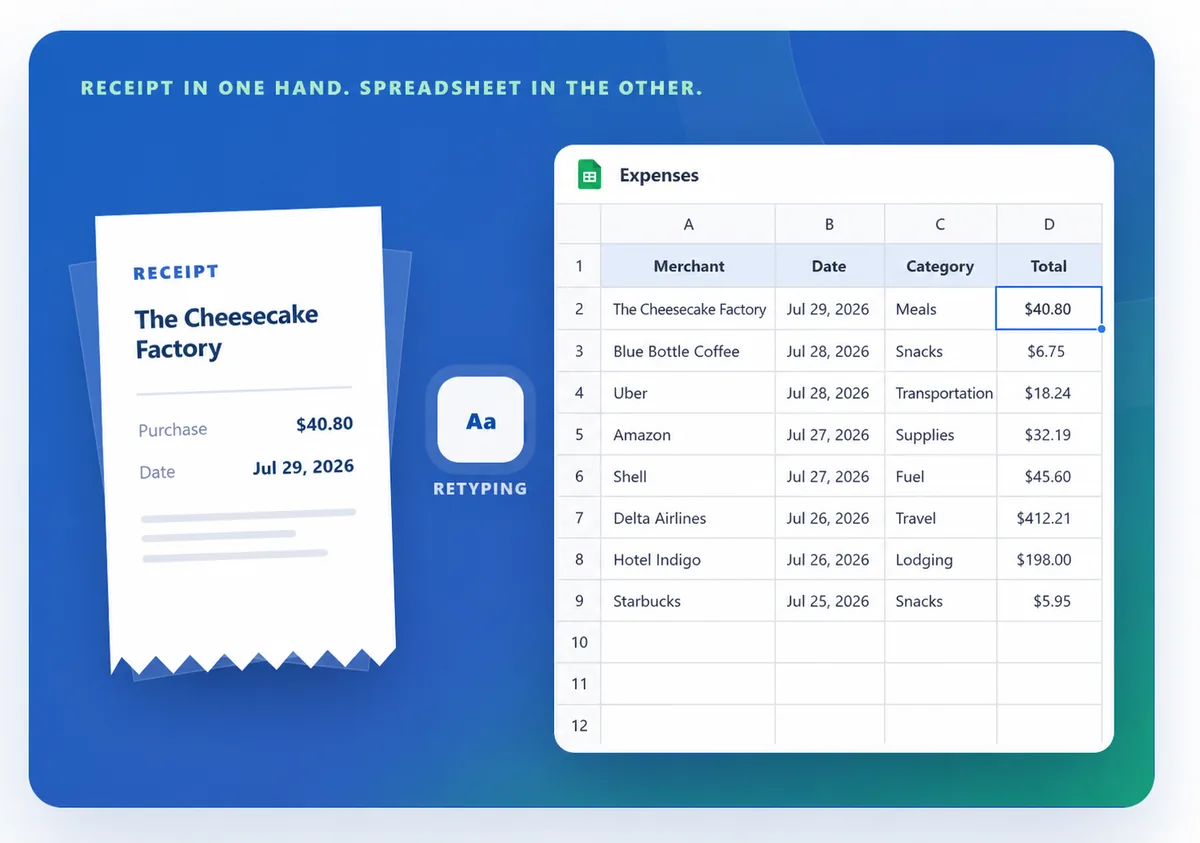
Open a blank expense sheet after a busy week and it knows nothing about what you bought. You still have to find the receipts, remember the cash purchases, type every amount, choose every category, and check that nothing was entered twice. The spreadsheet starts working only after you have done the hardest part.
Where the work piles up
Every useful row has a hidden cost.
- Capture is separate. Receipts stay in your wallet or camera roll until you make time to enter them.
- Details have to be retyped. A grocery receipt with ten items becomes ten small data-entry decisions.
- Categories drift. “Food,” “Groceries,” and “Supermarket” can quietly split the same spending into different totals.
- Phone entry is awkward. Wide rows, tiny cells, and formulas are not designed for recording a purchase while you are out.
- Insights need maintenance. Budgets, account balances, recurring expenses, and monthly comparisons require more sheets, formulas, and checks.
A better front door
Capture first. Review once. Understand the month.
Take a receipt photo or add a quick expense before the purchase is forgotten.
Check the merchant, date, items, category, and payment account while the source is still beside the record.
Keep expenses, income, accounts, budgets, and recurring payments in the same system.
Search the history and open the month’s totals without rebuilding a report.
Spreadsheets are still useful for custom analysis and exports. They are simply a poor front door for daily expense tracking. A dedicated app should handle the repetitive capture and organization, then let you export clean records when a spreadsheet really is the right place for deeper analysis.
That is the gap Higxel is designed to close: turn receipt photos into editable expenses, keep manual entry available for simple purchases, and connect the result to the rest of your financial picture.
We walked through the work required to turn an ordinary receipt into a usable spreadsheet row, compared it with Higxel’s current scan-and-review flow, and checked the budgeting guidance below. The point is practical: fewer steps between spending money and having a record you can trust.
Sources